


HiPerLink Pre-Terminated Fiber Optic Patch Panel Cabling System
How it Works


Ideal Locations
LC OM3 Tested Down to ≤0.1dB Insertion Loss


Choosing the Right Connectivity
• Rack-to-Rack: Connect patch panels
• Rack-to-Switch: Connect patch panel to switch or router
Installing in Open Environments


10G to 40/100G Backbone
How to Install


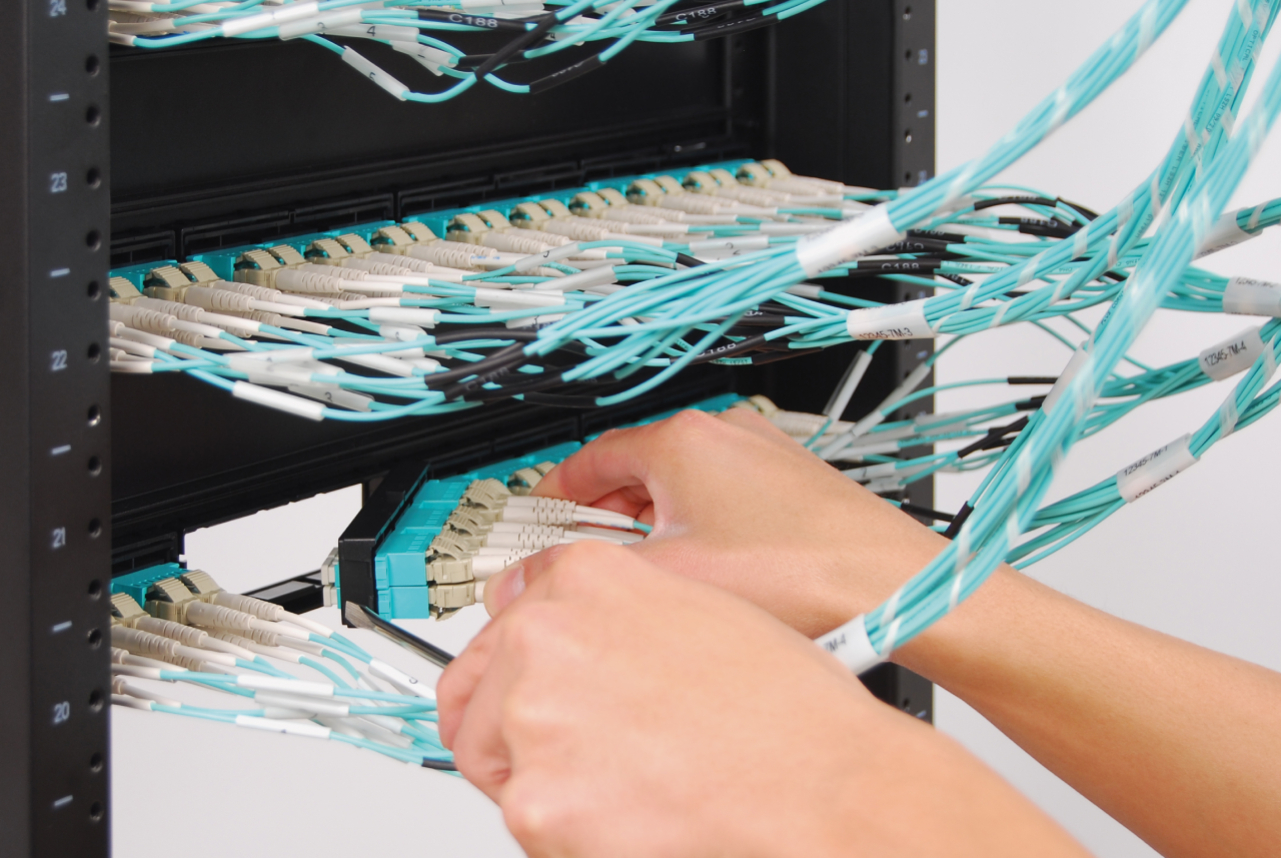
Making Changes
Cable Management Brackets


Bundle6 Fiber Patch Cords
How to Order:
1. Choose Connectivity
- Bezel to Bezel (Model No. PFA)
- Bezel to Modular Plugs (Model No. PFB)
- Bezel to Outlet Box (Model No. PFC)
- Cassette to Cassette (Model No. PFD)
2. Choose Cable Rating
- Riser-rated OFNR
- Plenum-rated OFNP
Consider fire rating of material and airflow. Most data center environments can use riser-rated cable (OFNR). Use OFNR in vertical settings, such as cable running between floors through cable risers. Use plenum-rated cable (OFNP) in raised flooring systems, drop ceilings, and air handling ducts. Always consult with city or building authorities for the latest code before deciding the type of cable to use.
3. Choose Bandwidth
- 10G OM3 (for up to 300 meters)
- 1G 50/125 µm (for up to 550 meters)
- 1G 62.5/125 µm (for up to 275 meters)
- Singlemode
Consider the maximum operating distance to support active equipment or devices throughout the entire network.
4. Choose Fibers + Length
- Fiber (12 or 24 LC fibers)
- Length (3 meters or more)
Consider accessibility to active equipment and the layout of the room when measuring, then round up to the nearest meter. Cablesys can custom build OM4 up to 550 meters and OM3 up to 300 meters.
5. Order Bracket Panel and Cable Management Brackets (sold separately)
- Blank 4-Bezel Bracket Panel with 3" and 5" Cable Management Brackets
- Blank 4-Bezel Bracket Panel with 3" Front Cable Management Bracket
- Blank 4-Bezel Bracket Panel
- Blank 1-Bezel Plug & Play Cassette
A bracket panel is required to mount the cabling onto the rack or cabinet. The panel has four ports to snap in bezels. If there are any unused ports, Cablesys offers a blank bezel to cover them. Cable management brackets help organize and secure cords and cables.
Need help choosing a pre-terminated fiber optic cabling system? Get Pre-Terminated Cabling Help.